Post-Processing
The opstool framework adopts xarray as its core data structure, leveraging its powerful capabilities for handling labeled multi-dimensional data.
This choice provides a flexible and intuitive way to manage and process structural analysis results.
You can learn xarray through the following resources:
In a nutshell
In opstool, saving responses is very simple.
You only need to run the analysis iteratively and use the following concise code:
>>> ODB = opst.post.CreateODB(odb_tag=1, **kargs)
>>> for i in range(Nsteps):  # you need to run the analysis iteratively
>>>    # perform analysis for one step
>>>    ops.analyze(1)  # or other analysis commands
>>>    ODB.fetch_response_step()  # fetch response at this step
>>>    # if you want to fetch response every 10 steps
>>>    #  if i % 10 == 0:
>>>    #     ODB.fetch_response_step()
>>> ODB.save_response()  # save the responses after the analysis is done
opstool.post.CreateODB is used to create a database object, where odb_tag specifies the label.
Then, the method opstool.post.CreateODB.fetch_response_step() is called to iteratively save the data at each step.
Once the analysis is complete, all responses are saved by the method opstool.post.CreateODB.save_response().
That’s it.
The above code will automatically retrieve and save most of the commonly used output quantities of OpenSees.
Other args in kargs can be used to customize the output, such as specifying which response types to save, the frequency of saving, computing derived stress measures, and project Gaussian points responses to nodes, and more.
Note
odb_tagis used to label different datasets (different sets of responses). Subsequent post-processing and visualization will rely on thisodb_tagfor data retrieval.The analysis must be performed iteratively (e.g., using a loop) to enable the step-by-step fetching of responses.
Static and dynamic analyses are both performed step-by-step, so the post-processing is consistent.
Supported response types
The following is a non-exhaustive list of response types supported by opstool:
“disp”
“vel”
“accel”
“reaction”
“reactionIncInertia”
“rayleighForces”
“pressure”
“localForces”
“basicForces”
“basicDeformations”
“plasticDeformation”
“sectionForces”
“sectionDeformations”
“sectionLocs”
“axialForce”
“axialDefo”
“Stress”
“Strain”
“basicDeformation”
“basicForce”
“Stresses”
“Strains”
“secForce”
“secDefo”
“sectionForces”
“sectionDeformations”
“Stresses”
“Strains”
“sectionForcesAtNodes”
“sectionDeformationsAtNodes”
“StressesAtNodes”
“StrainsAtNodes”
“Stresses”
“Strains”
“StressesAtNodes”
“StressAtNodesErr”
“StrainsAtNodes”
“StrainsAtNodesErr”
“StressMeasures”
“StrainMeasures”
“StressMeasuresAtNodes”
“StrainMeasuresAtNodes”
“Stresses”
“Strains”
“StressesAtNodes”
“StressAtNodesErr”
“StrainsAtNodes”
“StrainsAtNodesErr”
“StressMeasures”
“StrainMeasures”
“StressMeasuresAtNodes”
“StrainMeasuresAtNodes”
“globalForces”
“localForces”
“localDisp”
“slips”
“disp”
“vel”
“accel”
“pressure”
“lambdas”
Gallery of Examples
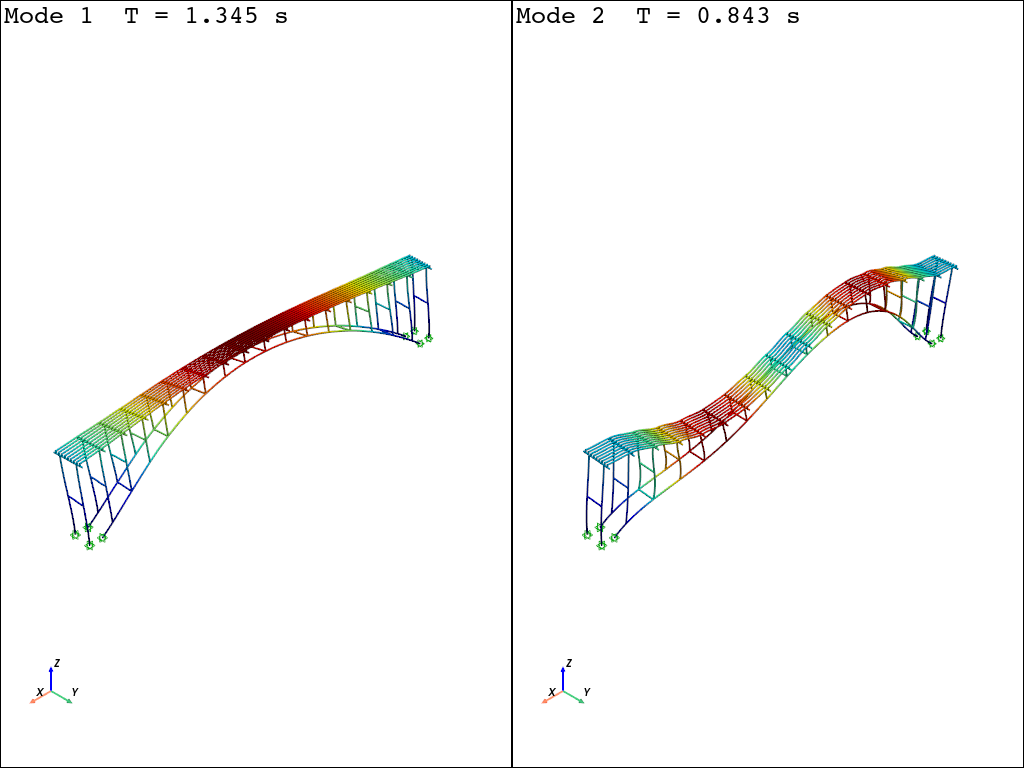
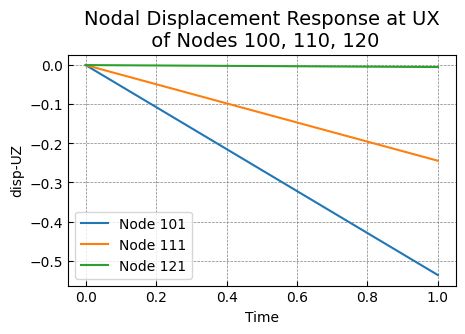
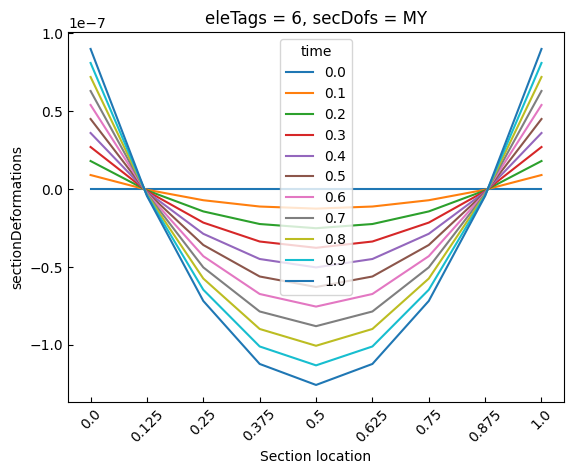
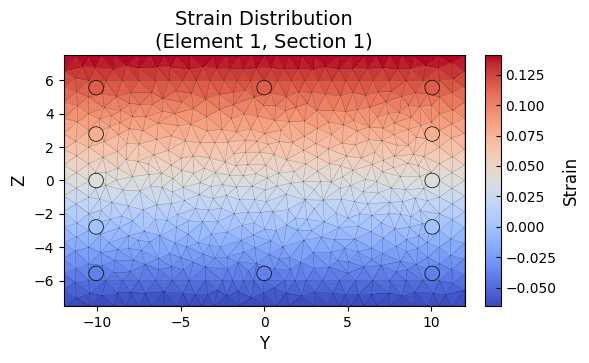
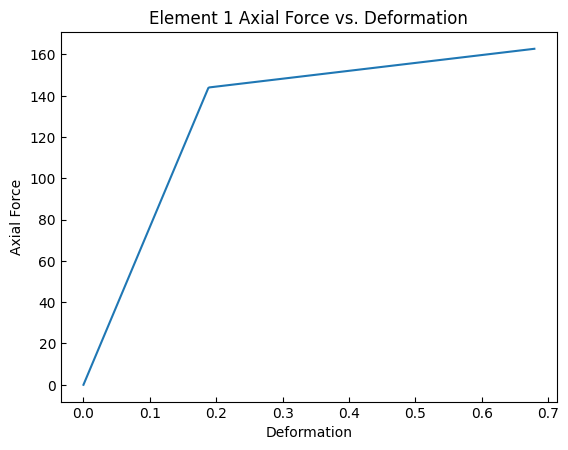
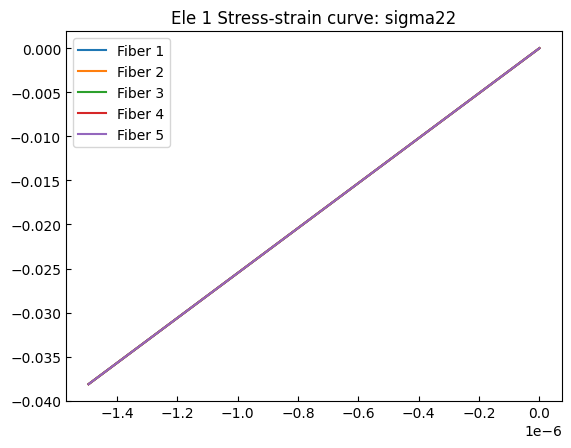
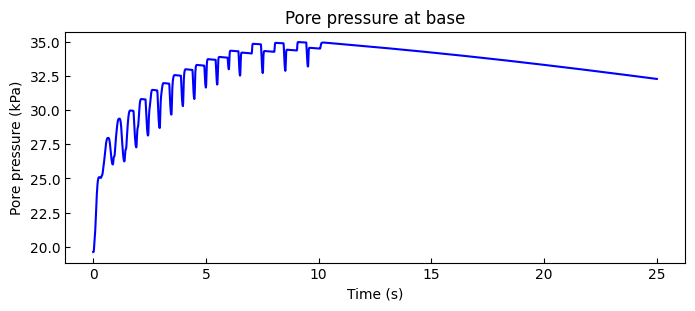
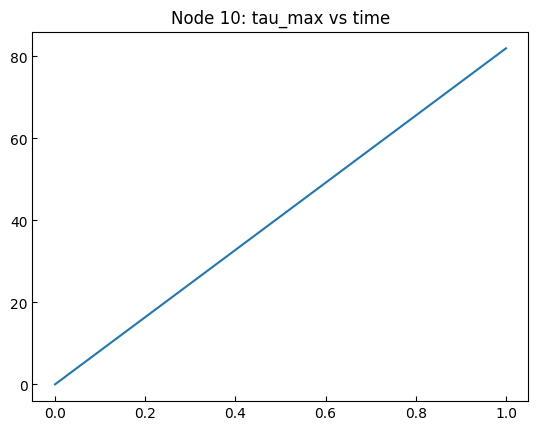
The following examples all deal with response data. For visualization, please refer to visualization instructions. They share datasets tagged with odb_tag.